Change Identity Provider
You may need to change your Identity Provider (IdP) when your organization migrates to a new SSO platform, adopts a different authentication protocol (for example, from SAML to OIDC), or consolidates user access under a single enterprise IdP. To change your identity provider configuration in Calibo Accelerate, do the following:
-
Sign in to the Calibo Accelerate platform and click Configuration in the left navigation pane.
-
On the Platform Setup screen, on the Security & SSO tile, click Configure. The identity provider for which you have configured the SSO options is displayed.
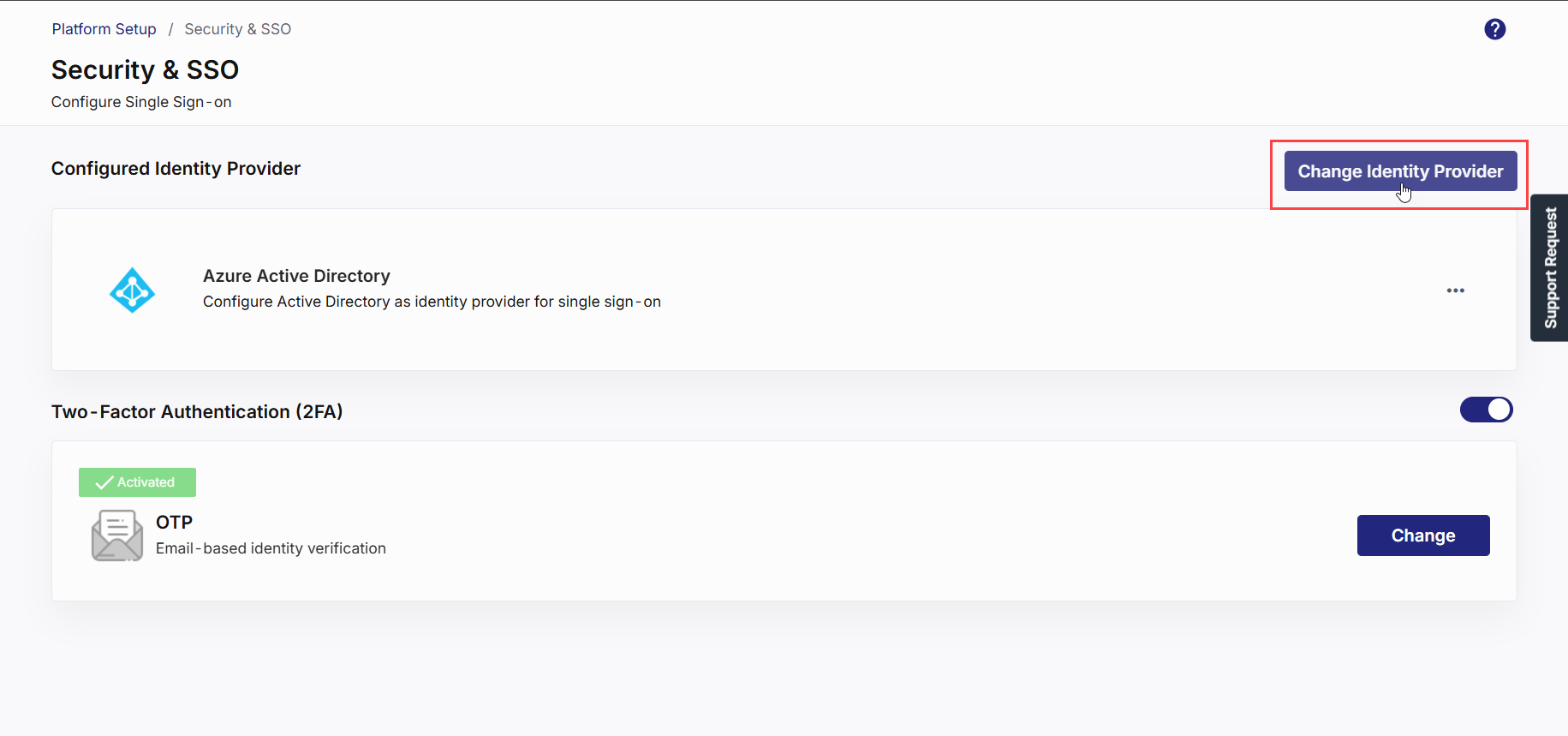
In the Configured Identity Provider section, click Change Identity Provider in the upper-right corner.
-
The following confirmation message is displayed:
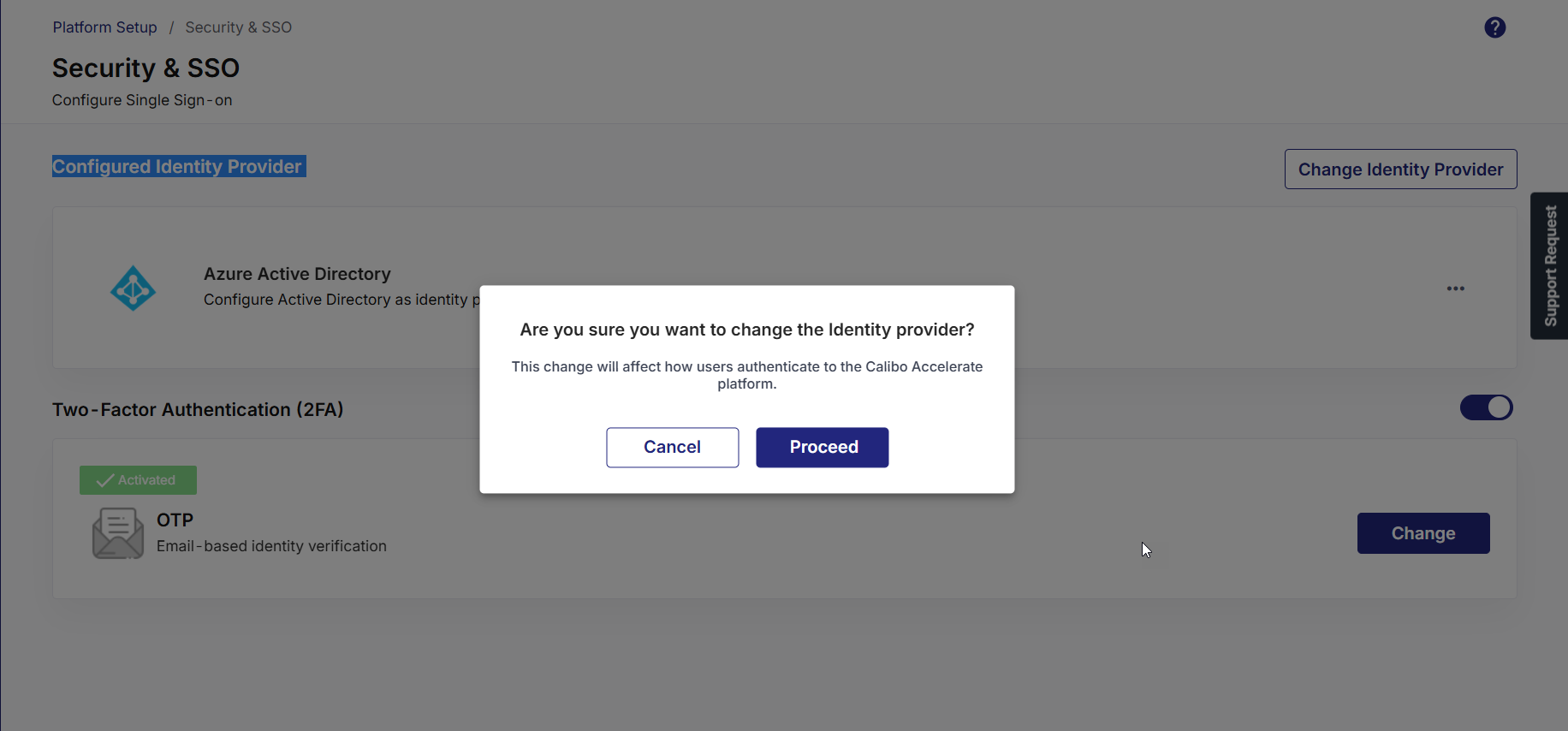
Click Proceed to continue, or Cancel to keep your existing configuration.
-
The Change Identity Provider screen allows you to replace your existing SSO configuration with a new one using any supported SSO protocol.

You can choose from the following integration options:
-
Microsoft Active Directory
-
Microsoft Entra ID
-
SAML
-
OpenID Connect (OIDC)
-
-
Based on your choice of IdP, refer to the following topics for SSO configuration steps.