Get Started with F24H Wizard
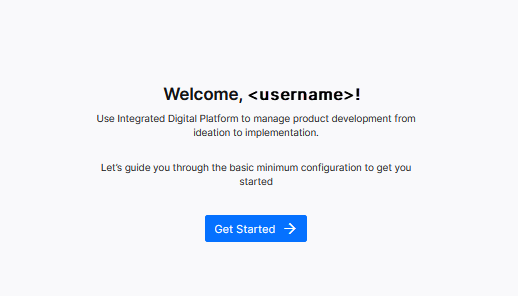
Accepting EULA takes you to the welcome screen of the First 24 Hours (F24H) wizard. As a Tenant Administrator, you perform the initial configuration tasks in the F24H wizard to set up the Calibo Accelerate platform for you and other users in your organization. These tasks include configuring single sign-on (SSO) for the Calibo Accelerate platform by using your preferred identity provider, importing users from your IdP or adding them manually to the Calibo Accelerate platform, and choosing one or more Tenant Administrators.
On the welcome screen of the F24H Wizard, click Get Started.
| What's next? Specify Your Tenant Name |
 Recommended Topics